SMIL Animations
Synchronized Multimedia Integration Language (SMIL)
is an XML-based language for writing interactive multimedia presentations. You can create
an animation by right clicking on an element and clicking on one of the Animate actions.
You will usually have to set the attributeName to the attribute that you want to animate
(e.g. fill) and the to attribute to the final value of the attribute that will be
modified during the animation (e.g. red). The from is optional and the current value
of the attribute will be used as a default.
You will also need to set dur to the duration of the animation, and the begin attribute
to the point at which the animation should begin. If you don't set a begin, 0s will
be used as a default value. You can modify the time attributes of the animations using the
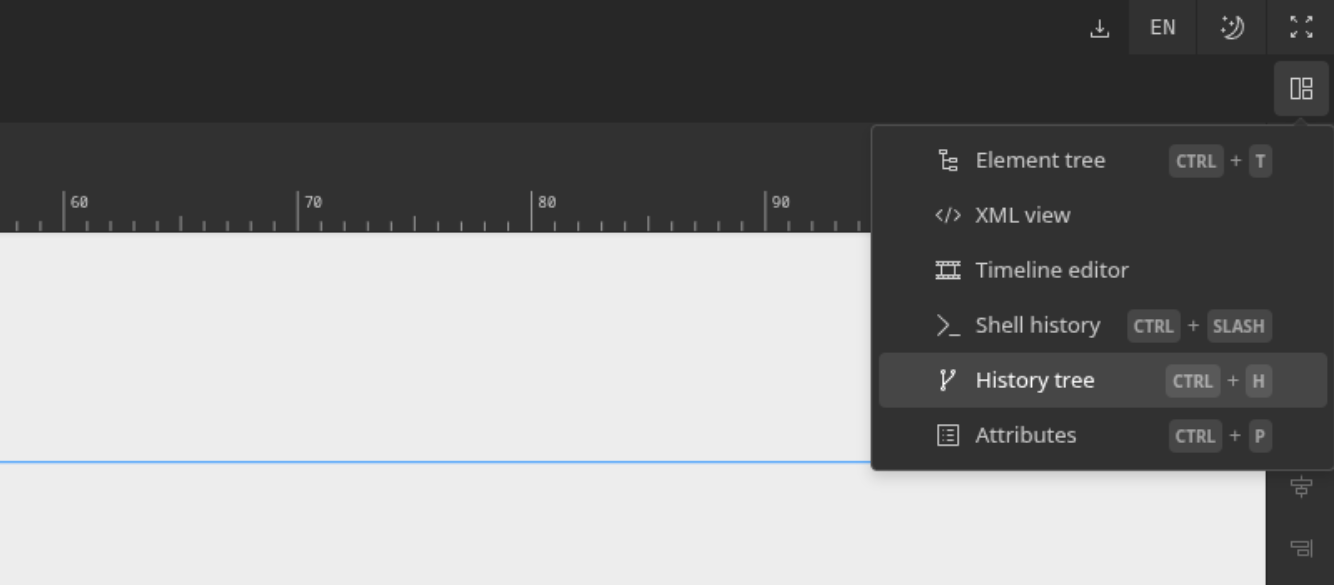
timeline panel. You can enable the timeline view using our panel dropdown.